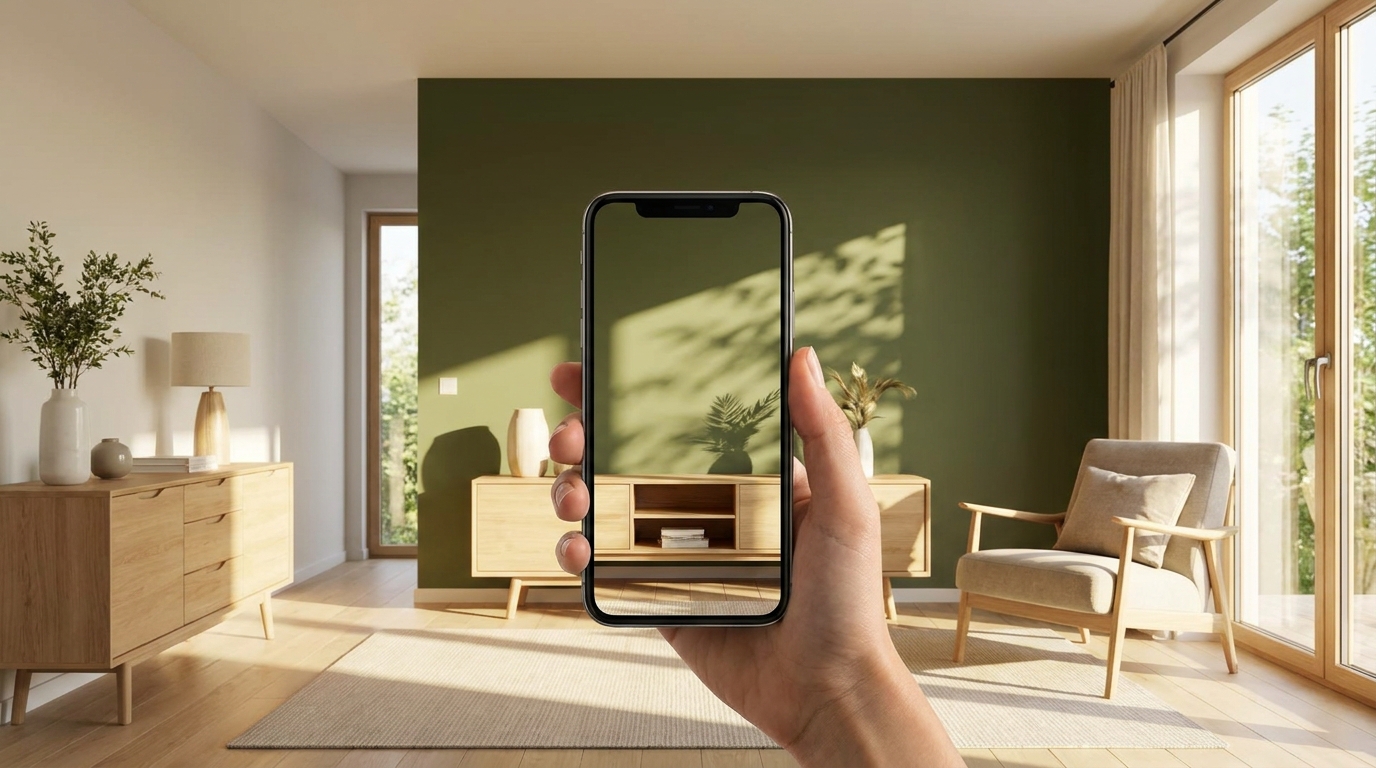
Both apps use AI — not flat filters — to visualize paint colors. But the details matter: database size, pricing model, output quality, and how many surfaces you can paint.
Paint Color Visualizer by Patzer LLC is a newer entrant that deserves attention. Here's how it stacks up against Muro.
Comparison
| Feature | Muro | Paint Color Visualizer (Patzer) |
|---|---|---|
| Colors | 27,000+ from 14 brands | Thousands from 14+ brands |
| Technology | AI (Gemini) — photorealistic | AI — surface detection |
| Multi-surface | Wall zones only | Walls, doors, trim, ceilings, cabinets |
| Price | Subscription | Credits (pay per visualization) |
| Free trial | Limited free trial | 1 free visualization |
| Batch mode | 12 colors at once | No |
| Quality tiers | 1K / 2K / 4K | Single output |
| Languages | EN, DE, PL | EN only |
| European brands | Yes (Caparol, Brillux, Farrow & Ball, etc.) | Limited |
Where Muro wins
Larger color database. 27,000+ colors vs "thousands." Muro includes deep European coverage that Patzer doesn't — Caparol, Brillux, Sto, Alpina, Jotun, plus Polish and UK brands.
Batch mode. Test 12 colors on the same wall in one session. When you're comparing Agreeable Gray vs Accessible Beige vs Repose Gray, this is a massive time saver.
Quality tiers. Up to 4K output for when you want to see every detail. Paint Color Visualizer offers one output resolution.
Subscription = unlimited. Once subscribed, visualize as many colors as you want. No counting credits.
Multilingual. Three languages with localized color databases. Paint Color Visualizer is English-only.
Where Paint Color Visualizer wins
Multi-surface painting. It can detect and color walls, doors, trim, ceilings, cabinets, and shutters independently. Muro focuses on wall surfaces. If you want to see your cabinets in one color and walls in another, Patzer handles that.
Pay-per-use. No subscription commitment. Buy credits as needed. If you only need 3-4 visualizations total, this could be cheaper than a monthly subscription.
One free visualization. You can test the AI quality before paying anything.
Bottom line
Choose Muro for the largest color database, batch comparison, and subscription-based unlimited use — especially if you need European brands.
Choose Paint Color Visualizer if you want multi-surface painting (trim + cabinets + walls in different colors) or prefer pay-per-use over a subscription.
For the typical "which color should I paint my living room walls?" decision, Muro's batch mode and deeper database make it the stronger choice. For a full kitchen remodel where you're coloring cabinets, walls, and trim separately — Patzer's multi-surface detection is worth trying.